
ERA Series
4,000 ft
Kits from $65.00
Warehouses, shops, and acreage
- Extra-loud + strobe receivers
- Expand to dozens of zones
This section covers wireless doorbell buttons and replacement push buttons for compatible chime systems. They are useful when you need to replace a worn transmitter or add another entrance to an existing setup. Before ordering, confirm the button matches your system family.
Read category overviewJump to Products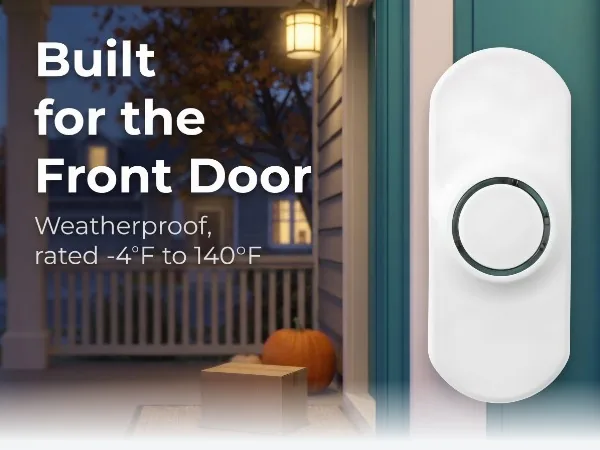
ERA, LRA, and SS buttons are not universal across every receiver.
Most wireless buttons mount without low-voltage doorbell wiring.
Check weather exposure, mounting surface, and replacement battery type.
Use this category when you need an extra or replacement wireless doorbell button. Confirm the receiver model before buying so the transmitter can pair correctly.
Wireless push buttons must match the receiver family; range and coding matter more than the button shape.
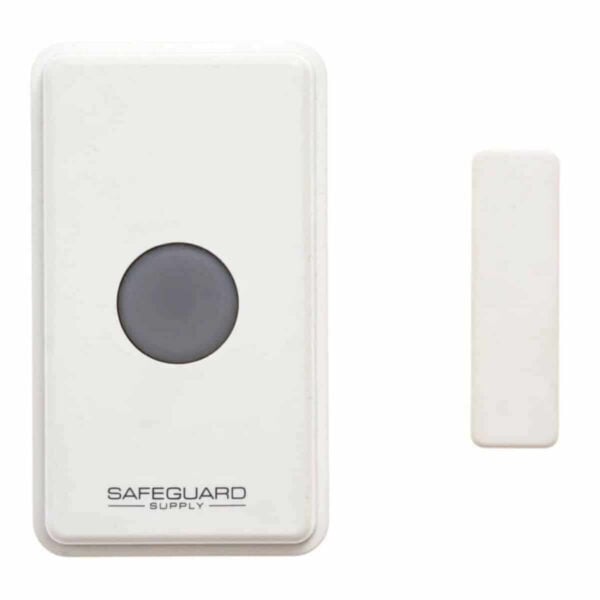
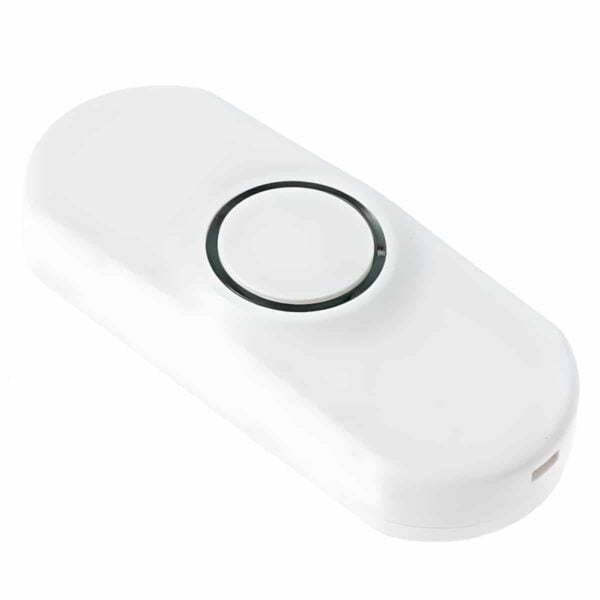
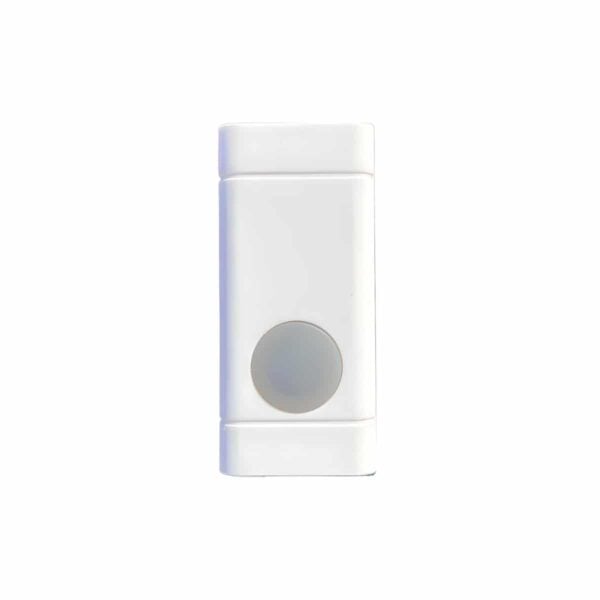
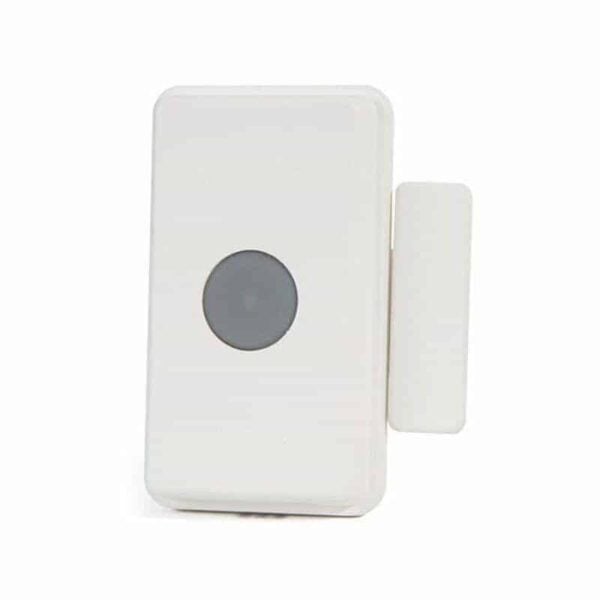
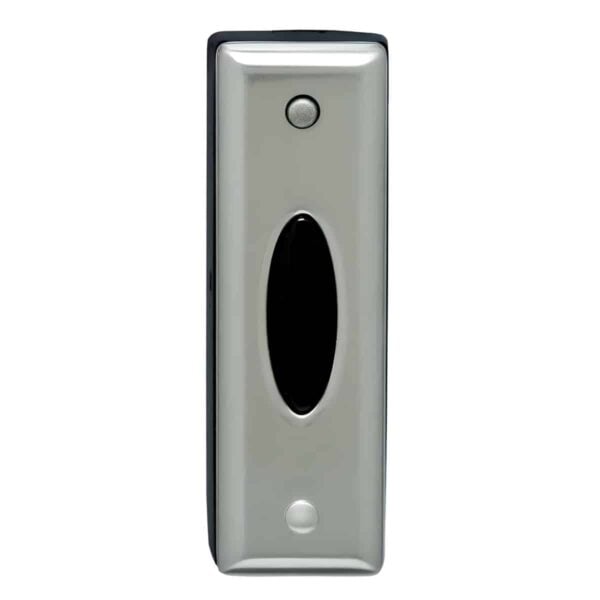
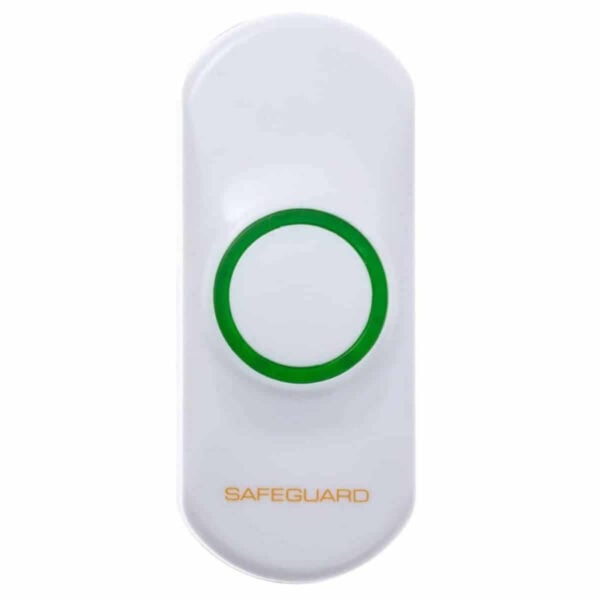
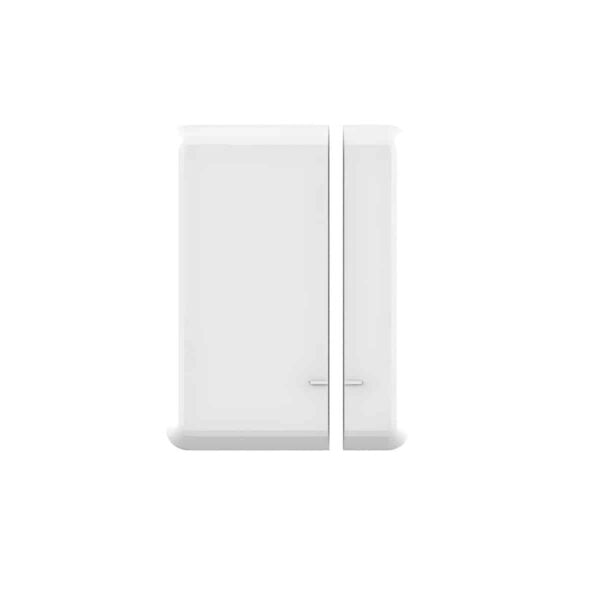
This section covers wireless doorbell buttons and replacement push buttons for compatible chime systems. They are useful when you need to replace a worn transmitter or add another entrance to an existing setup. Before ordering, confirm the button matches your system family.
Quick answer
A wireless doorbell button is a transmitter, so it must pair to a receiver in the same series. Start from the receiver you have — SS, LRA, or ERA — and choose the matching button. If you have no receiver yet, start with a complete wireless doorbell kit instead.
This section covers wireless doorbell buttons and replacement push buttons for compatible chime systems. They are useful when you need to replace a worn transmitter or add another entrance to an existing setup.
Before ordering, confirm the button matches your system family. Wireless doorbell buttons are usually brand- and series-specific.
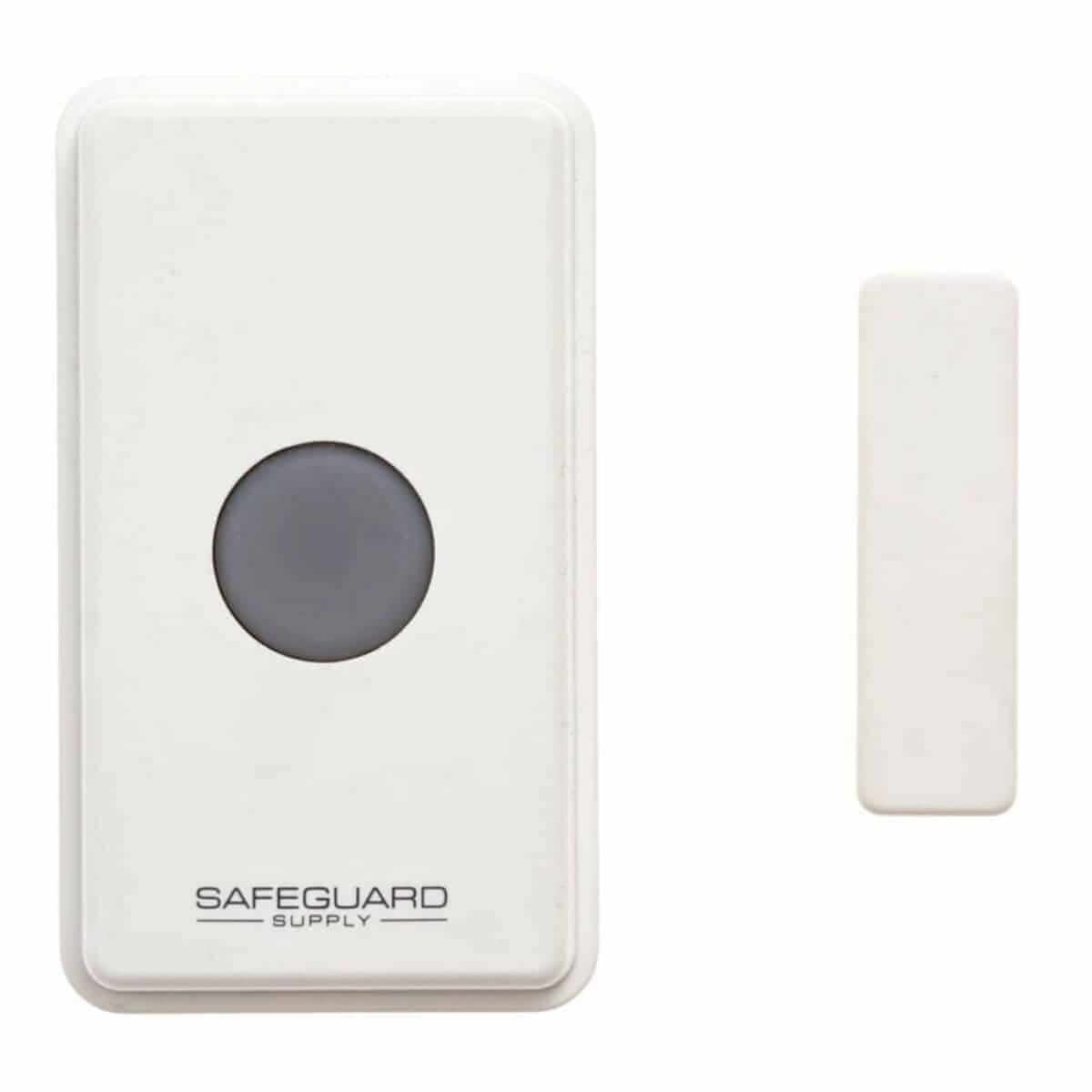
Not quite the right fit? These related setups solve nearby problems.
No. A wireless button is a transmitter and it must pair to a receiver in the same series. Check the series name on your receiver — SS, LRA, or ERA — and choose the button sold for that series.
Yes. Most receivers in these series pair with more than one transmitter, and many can play a different chime per button so you know which door it was.
Typically one to two years with normal use. Weather and heavy use shorten that. The button's product page lists the battery type so you can keep a spare on hand.
No. The button only transmits; a paired receiver makes the sound. If you do not have a compatible receiver yet, start with a complete wireless doorbell kit instead of a bare button.
Related support
Why Published Range Differs from Real-World Range When shopping for wireless doorbells, entrance alerts, driveway alarms, and other long-range wireless products, you’ll notice every product lists a maximum wireless range—typically stated as “up to X,000 feet.” For example, the Dakota Alert DCPA-4K-PLUS Driveway Alarm lists a range of “up to 5,000 feet.” It’s important to…
Two wireless push buttons can play different sounds on a receiver that supports a separate melody for each paired transmitter. Check the receiver manual for its pairing limit and melody settings. Pair and test each button individually so you can tell which entrance triggered the chime.
Most Wireless buttons are NOT available lighted as they would require power 24/7 and drain the batteries too quickly. The only illuminated wireless buttons we are aware of are the LRA-PBTX and the ERA-PBTX. This wireless transmitter features a LED bulb that lights up the center push button whenever the visitor presses it, indicating a successful transmission. The ERA-PBTX consumes…