
How to Delete the Zone Memory for a LRA-DCRX & LRA-DCRXS Receiver
Each zone on an LRA receiver can only accommodate 1 transmitter. Oftentimes, programming problems can be corrected by first deleting the memory from the receiver and re-programming. This helpful document outlines how to put the LRA-DCRX and the LRA-DCRXS in programming mode. Deleting Memory: LRA-DCRX Deleting Memory: LRA-DCRXS
Updated: October 15, 2026Original publish date: November 18, 2021
Each zone on an LRA receiver can only accommodate 1 transmitter. Oftentimes, programming problems can be corrected by first deleting the memory from the receiver and re-programming. This helpful document outlines how to put the LRA-DCRX and the LRA-DCRXS in programming mode.
Deleting Memory: LRA-DCRX
- Open the cover of the receiver
- Hold down the “zone selector” button (the left button) for approximately 3 seconds until a zone ID starts to flash (see “ID” in the drawing above). Stop pressing the button. This means the unit is in programming mode.
- Simultaneously, hold down the zone selector button (on the left) and the melody button (on the right) for approximately 3-5 seconds until you hear a short tone sound. The short tone sound means the memory has been deleted and is not ready for programming.
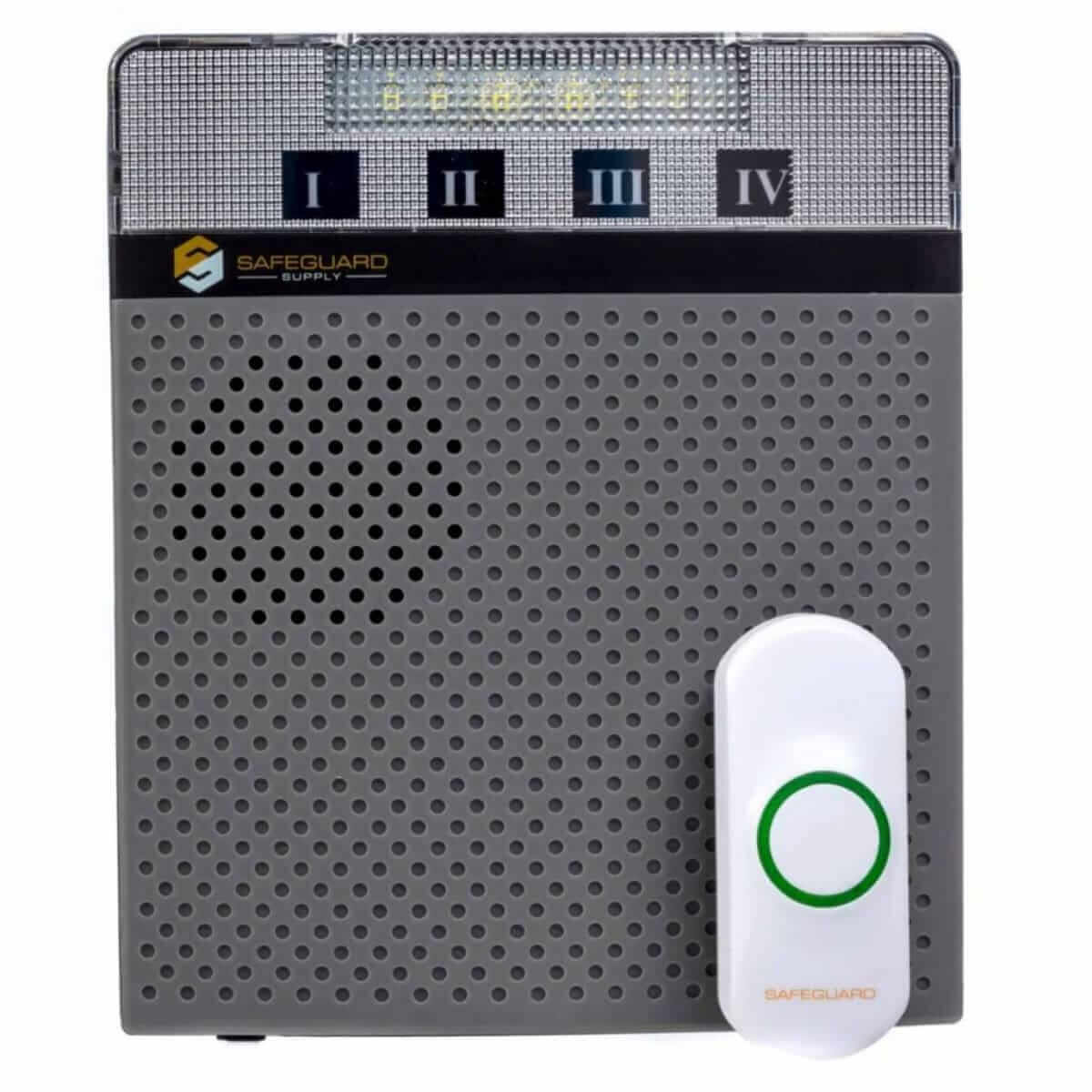
Deleting Memory: LRA-DCRXS
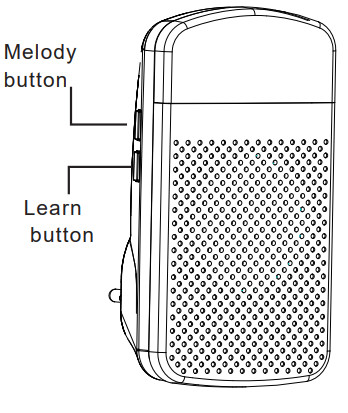
- Hold down the “Learn” button for approximately 3 seconds until you notice a red LED in the top lens.
- Push the “Melody” & “Learn” buttons simultaneously. for approximately 3 seconds.
- You should hear a short tone sound, followed by a rapidly blinking red LED. This signals the unit’s memory has been deleted and is not ready for programming.
More in Installation & Setup FAQ
Browse the full FAQ category or continue with related answers from the same FAQ category.
Related FAQ categories
Can I Add Buttons, Door Contacts or Receivers to the WC180-SS?Yes. The WC180-SS receiver pairs with up to 58 SS Series transmitters, and you can add as many receivers as you need.Can I Add Buttons, Door Contacts or Receivers to an SS System?Yes. Each SS Series receiver pairs with up to 58 transmitters, and there is no limit on the number of receivers.How Do I Install a Doorbell Extender Transmitter?Connect the extender's three wires to the Front, Back and Trans screws inside your wired chime, mount the transmitter, then pair it.Wired doorbell chime replacement optionsExplore your options for replacing a wired doorbell chime, including common issues and installation tips.What does a doorbell transformer look like?Discover what a doorbell transformer looks like and how to identify it in your home.