
Wired doorbell chime replacement options
Explore your options for replacing a wired doorbell chime, including common issues and installation tips.
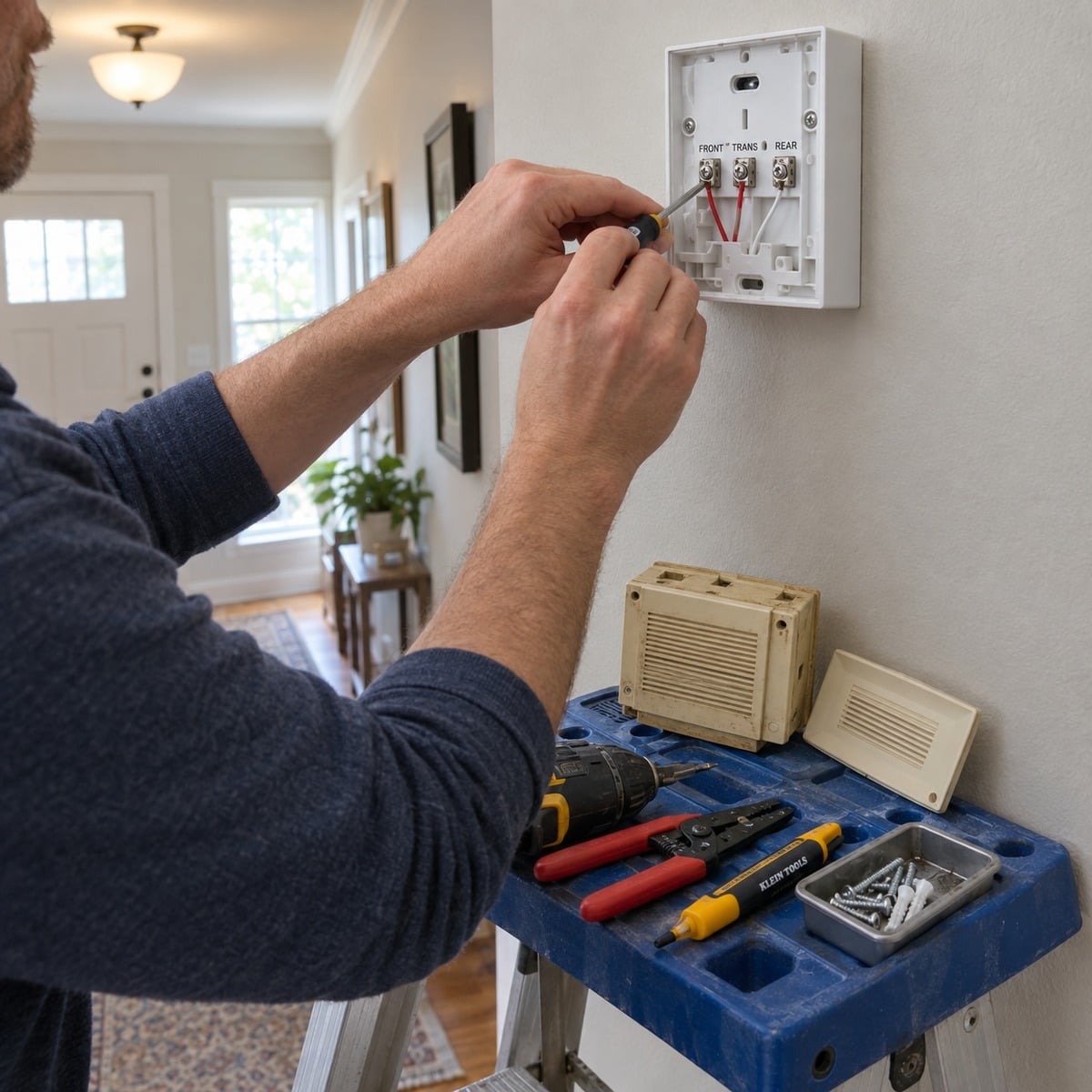
What is a wired doorbell chime replacement?
A wired doorbell chime replacement refers to the process of swapping out an existing wired doorbell chime for a new unit. This is often necessary when the old chime is malfunctioning or has become outdated.
Common reasons for replacement
There are several reasons you might need to replace your wired doorbell chime:
- Malfunction: If your chime is not producing sound or is inconsistent, it may need replacement.
- Upgrading: You may want to upgrade to a model with better features or sound options.
- Style change: A new chime can enhance the aesthetic of your home.
How to choose the right wired doorbell chime
When selecting a wired doorbell chime, consider the following factors:
- Sound options: Different models offer various sound choices, from traditional chimes to modern tones.
- Size and design: Ensure the chime fits your space and complements your home’s decor.
- Compatibility: Check that the chime is compatible with your existing doorbell system and transformer.
For more options, you can browse our Wired Door Chimes & Doorbells category.
Installation tips for wired doorbell chimes
Installing a wired doorbell chime can be straightforward if you follow these steps:
- Turn off the power to your doorbell system at the circuit breaker.
- Remove the old chime from the wall.
- Disconnect the wiring from the old chime and connect it to the new chime, matching the terminals.
- Secure the new chime to the wall and restore power.
- Test the chime by pressing the doorbell button.
For detailed guidance, check out our post on how to install a doorbell.
Troubleshooting issues with wired doorbell chimes
If your wired doorbell chime is not functioning correctly, consider these troubleshooting steps:
- Check the power supply to ensure the transformer is working.
- Inspect the wiring for any loose connections or damage.
- Test the doorbell button to ensure it is operational.
For additional troubleshooting tips, visit our Troubleshooting Tips for Your Doorbell page.
Frequently asked questions about wired doorbell chimes
Here are some common questions regarding wired doorbell chimes:
- Can I use a wireless doorbell button with a wired chime? Generally, no. Wired and wireless systems operate differently.
- What transformer do I need for my wired doorbell? The transformer should match the voltage requirements of your doorbell chime. Refer to our guide on what doorbell wire do you need.
For more information on wired doorbell systems, check our how to install a wired doorbell page.
More in Installation & Setup FAQ
Browse the full FAQ category or continue with related answers from the same FAQ category.