
800-366-7235
Since 1998

How Many Transmitters Can I Connect to a ERA Receiver?

Get a plain-language answer to how many transmitters can i connect to a era receiver, with setup notes, compatibility details, and links to related help.

Updated: July 27, 2026Original publish date: November 19, 2021

ERA System Overview

Short answer: This page explains how many transmitters can i connect to a era receiver in practical terms, with links to the products, setup guides, and troubleshooting steps that usually matter next.

Safeguard Supply Transmitters

Safeguard Supply offers a range of high-quality transmitters compatible with the ERA Receiver. These transmitters are designed to provide reliable communication and ensure effective monitoring.

Programming Transmitters with ERA Receiver

Programming transmitters to the ERA Receiver is a straightforward process allowing users to add and manage their devices easily. Following the instructions, users can quickly set up and connect multiple transmitters to the ERA Receiver.
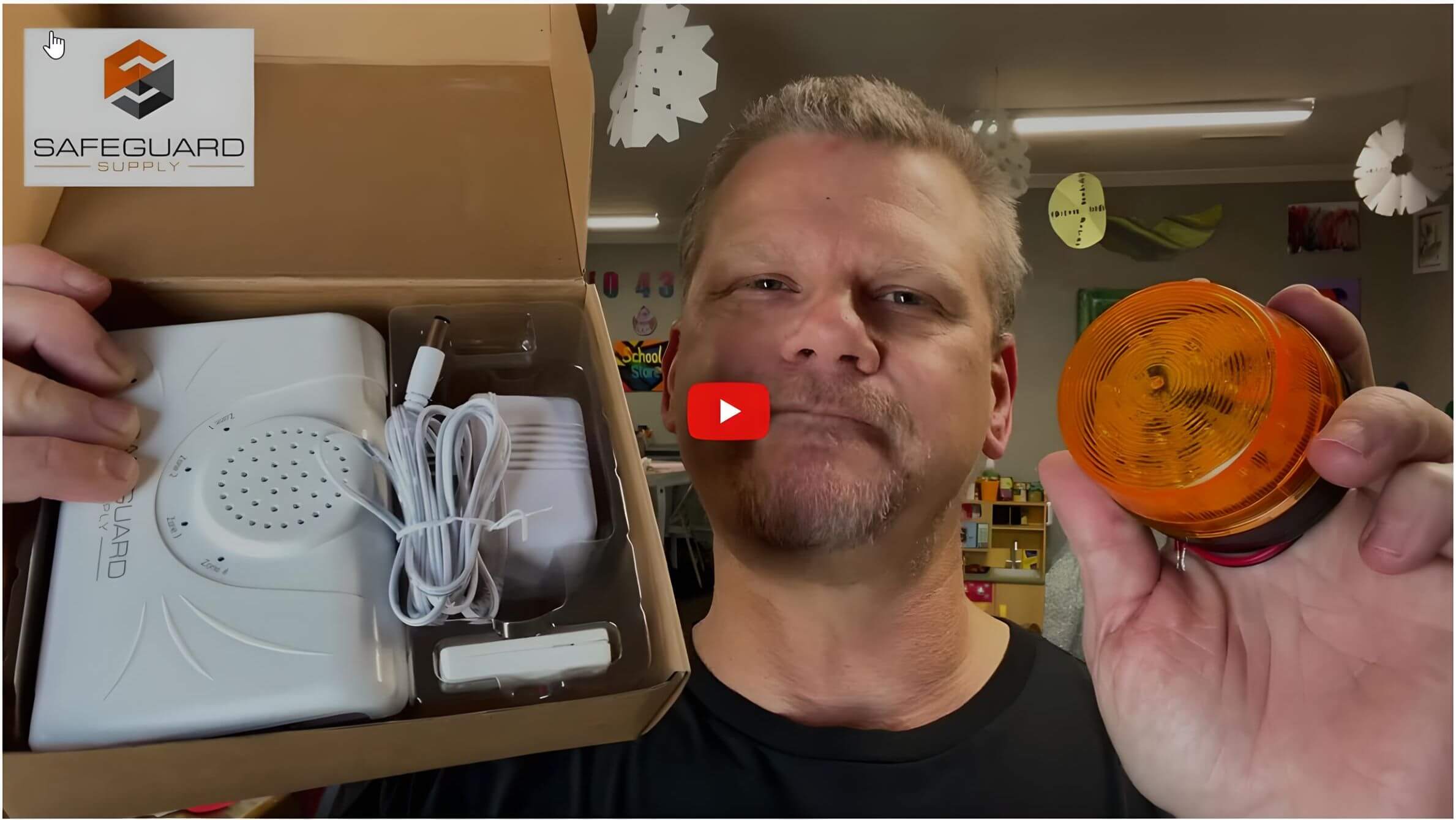
wdk-era-strobe-a-video-demonstration
WDK-ERA-STROBE in Doorbell for Business

The ERA-DCRX Desktop/Wallmount Receiver

The ERA-DCRX is a four (4) zone receiver, meaning each zone will play a distinct sound. You can program/pair as 3 transmitters (such as a push button) to a particular zone as you want (for an overall total of 12), but all the transmitters in that zone will play the melody selected for that zone.

The ERA-RXPG Plugin Receiver with Strobe

The ERA-RXPG can accommodate up to 12 different ERA series transmitters. However, they are not assigned to zones. Each transmitter may be assigned one of twelve different melodies.

This enables you to distinguish a visitor at the front door versus the back door, giving you a business alert chime for the front door..

More in ERA Product FAQ

Browse the full FAQ category or continue with related answers from the same FAQ category.

View category
Understanding the 12V DC Outputs on Your ERA-DCRX Receiver: A Guide to Zones, Strobes, and BellsIntroduction to the ERA-DCRX Receiver The ERA-DCRX receiver is the heart of your long-range wireless doorbell system, designed for business and warehouse environments. It features four independent zones, each capable of supporting up to three sensors or transmitters (for a total of up to 12 per receiver). When a zone is triggered, the receiver plays…Extending ERA Product Range: Connecting ERA-UTX to ERA-DCRX C-FORM RelayThis guide explains how to connect the ERA-UTX to the C-FORM relay on the ERA-DCRX, effectively creating a relay or extender to increase the operating range of ERA products by an additional 4,000 ft. Detailed Use Case Example Consider a scenario where a customer has purchased an ERA-DCKIT, which includes: Initial setup: Solution: Introduce an…ERA-RXPG Plugin Receiver User ManualIntroduction The ERA-RXPG is a long-range, wireless door chime receiver that plugs into a standard 120V outlet. It is compatible with all ERA transmitters. Helpful Notes Volume Control: The volume button is located on the side of the unit (see Figure 1). Pushing it will scroll through four (4) levels of volume control. Pushing it…ERA-PBTX Push Button User ManualIntroduction to the ERA-PBTX by Safeguard Supply The ERA-DCKIT is a long-range, wireless door chime kit. It includes the ERA-PBTX (push button/transmitter) and the ERA-RXPG plugin. This product manual outlines programming the ERA-PBTX to the ERA-RXPG. Helpful Notes about the ERA-PBTX Push Button ERA-PBTX Push Button Battery Installation: This product contains a coin battery that…How to Program the ERA-PIR Transmitter to the ERA-DCRX ReceiverWatch the video below to program the ERA-PIR transmitter to the ERA-DCRX receiver.If you want information on pairing the ERA-UTX transmitter to the receiver, click here. Alternatively, you can watch this video and activate the ERA-UTX by pressing the push button on the unit rather than triggering the passive infrared motion sensor (ERA-PIR). Video Transcript:…