
Product manual
DH1814 User Manual
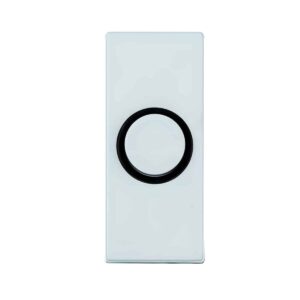
Setup, pairing, and troubleshooting for the DH1814 White Doorbell Button with Black Trim Around Center Push.
Carlon® INSTALLATION
Simple Installation 1-2-3!
Replacing your Chime Systems step by step
Replacing A Door Chime
- Tag the wires marked “front”, “back”, and “trans”, so you won’t mix the wires up.
- Remove the old chime, buzzer or bell. Install the new chime.
- Connect the tagged wires to the proper terminals
Replacing A Transformer
- Purchase transformer with same voltage rating as old one. SHUT OFF POWER TO CIRCUIT!
- Open adjacent junction box, label bell wires and disconnect them. Disconnect transformer leads inside junction box, and disconnect transformer.
- Thread new transformer leads inside junction box, fasten transformer to the box, and splice the leads to the wires. Connect the bell wires and test.
84 *For any questions or concerns contact a qualified electrician* www.lamson-home.com